Color Blind Camera
See the world in true color, or flip to Simulated and show others exactly how you see it. Live, in one tap.
Get it free on Google PlayWatch live correction in action
See the world in true color, or flip to Simulated and show others exactly how you see it. Live, in one tap.
Get it free on Google PlayWatch live correction in action
What’s new in version 3.1
Record and compare as before, plus a new Vision Simulation mode: preview any type of color-blind sight live or on your photos, built on published vision research.
Flip between Corrected and Simulated at the top of the camera or gallery. Show family, teachers, and colleagues the world through your eyes.
Simulation follows the Brettel et al. (1997) model, so whites and grays stay neutral while confused hues shift the way science predicts.
Tap record to keep exactly what you see on screen, with sound. Short clips are free; longer, watermark-free videos come with Pro.
See the original and corrected or simulated views together on one screen, live, in photos, and in saved videos.
Open a picture from your gallery and glide between the two versions with a simple slider. Zoom in to inspect small details.
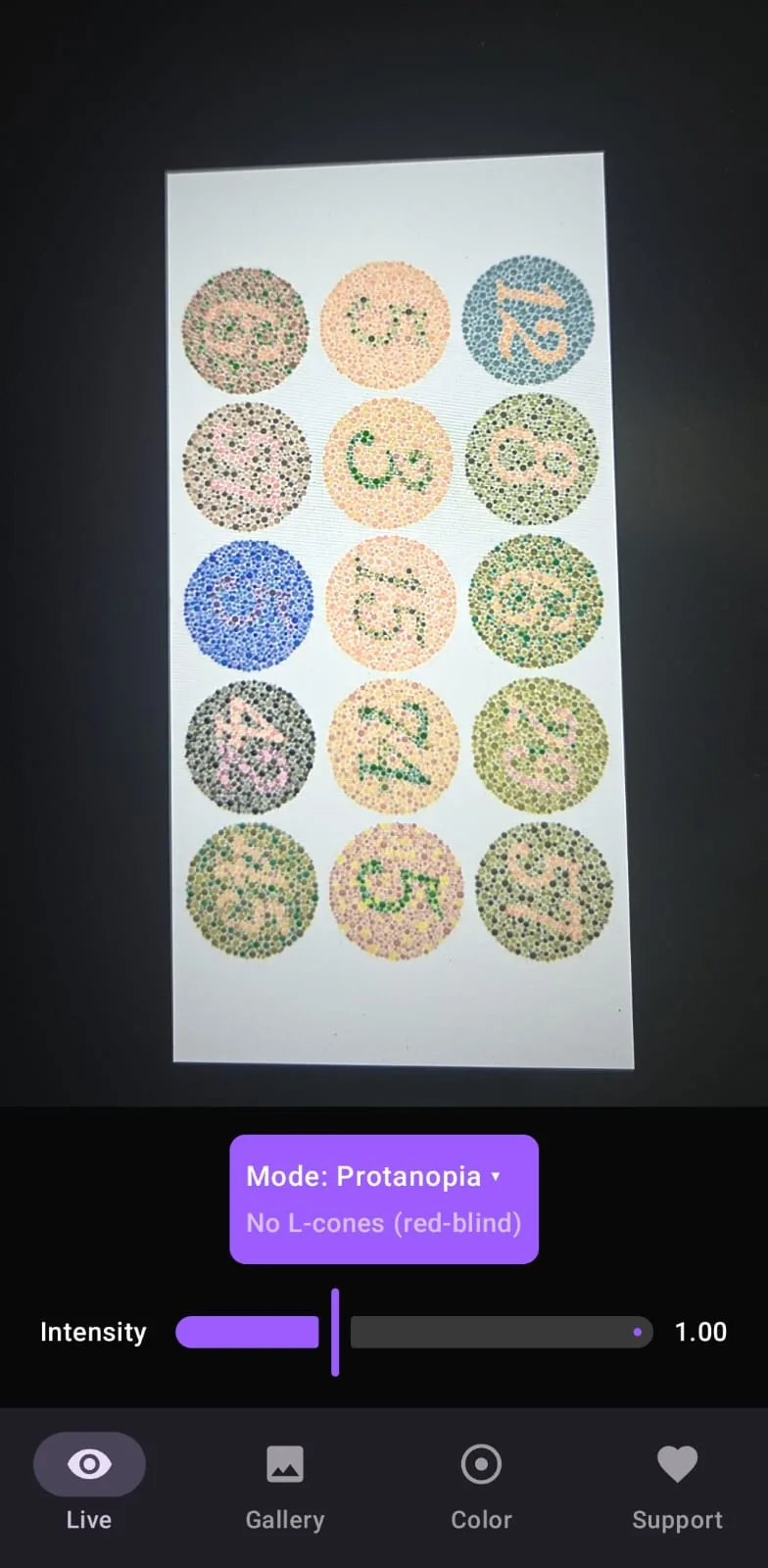
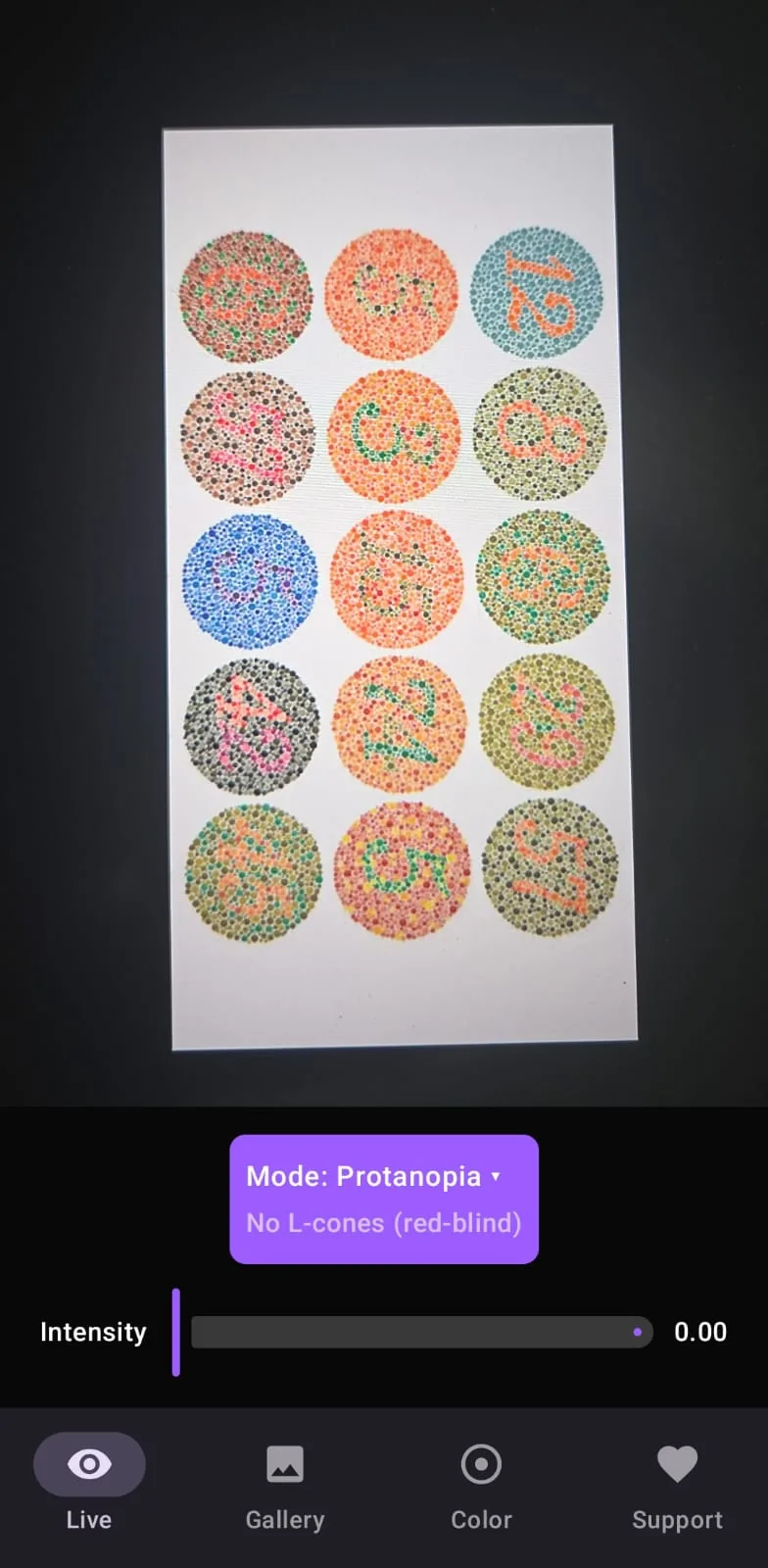
Point your camera at anything and the app adjusts the colors instantly for your type of color blindness. Fine-tune the strength until it feels right.
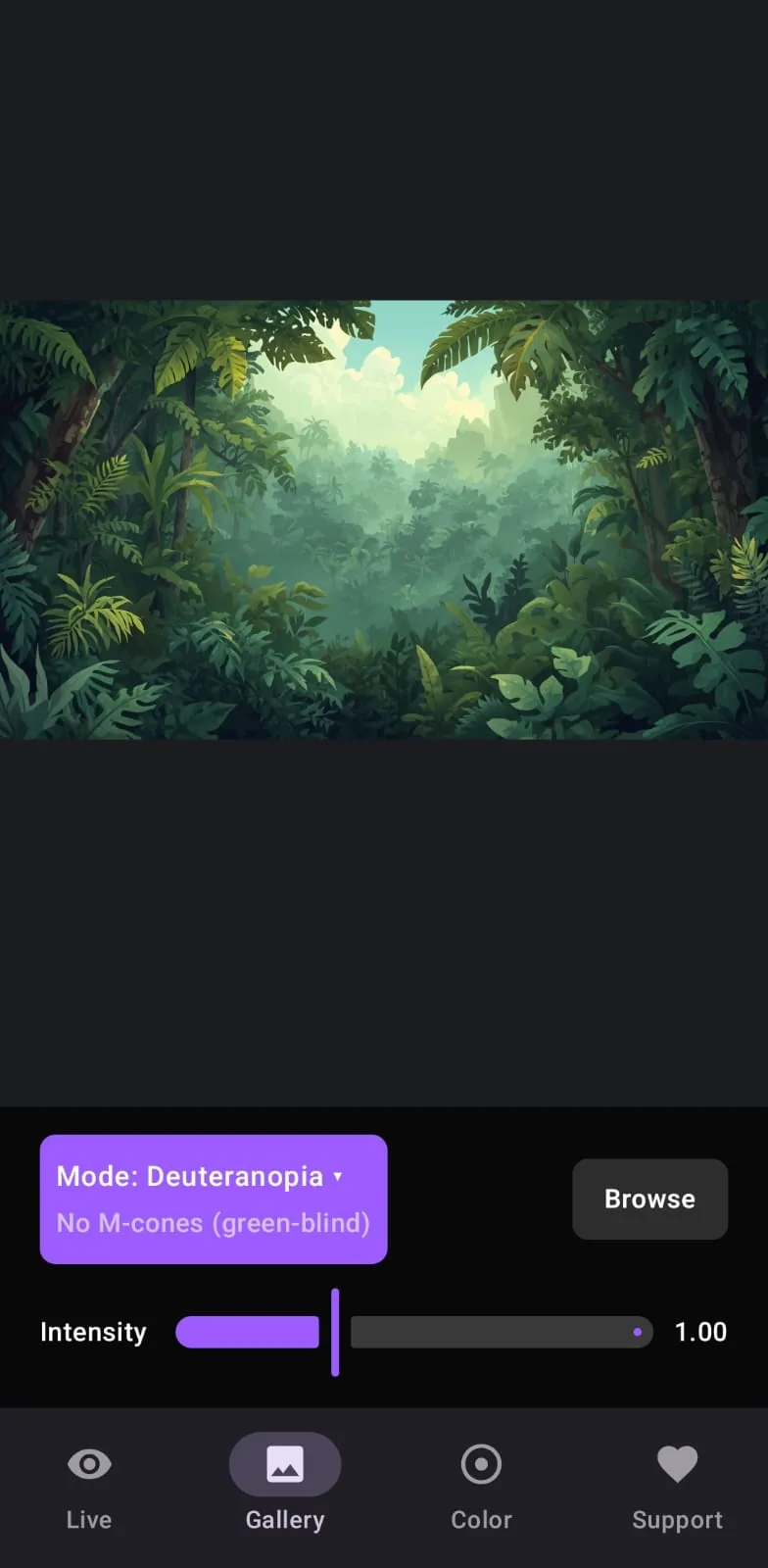
One tap flips the live camera or any photo into Simulated view for red, green, blue, or full color blindness, so others can experience your perspective.
Record birthdays, whiteboards, menus, and everyday moments with the correction applied, and find them later in your phone’s video gallery.
Place the original next to the corrected view so family, friends, teachers, and colleagues can finally see what you see.
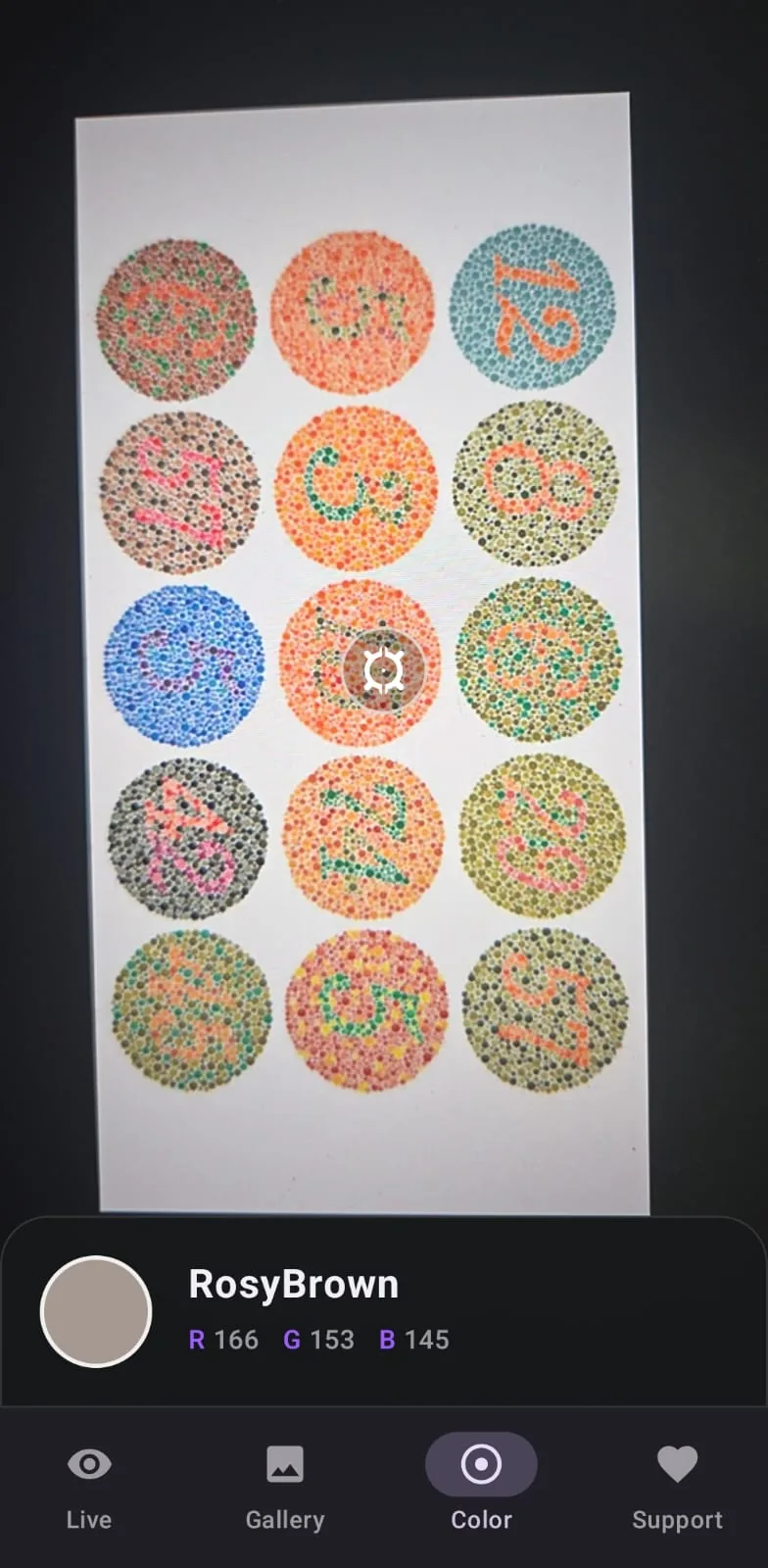
Not sure if it’s red or green, blue or purple? Tap anything on screen to hear its name and see its details.
Open any picture you already have to correct it or simulate it. Slide back and forth to compare, pinch to zoom.
Everything happens on your phone. Your camera, photos, and videos are never uploaded anywhere. Sound recording is always your choice.
Simple pricing
Everything you need to see clearly is free. Pro is a single one-time purchase. No subscription, no surprises.
Made for your vision
Pick the setting that matches your vision, then flip between Corrected and Simulated. Strength is adjustable in Corrected mode; Simulated always shows the full preview.
Difficulty with reds
Difficulty with greens
Difficulty with blues
Sees the world in shades
Simple screens, designed for everyday moments.
Yes. Seeing clearly, identifying colors, and comparing photos are all free. The app shows a few ads to stay free, and a single Pro purchase removes them for good.
Yes. Tap record to save exactly what’s on your screen, with sound. Short clips are free, and Pro lets you record longer videos without a watermark.
Yes. The comparison view places the original and corrected images together on one screen, live, in photos, and in saved videos. It’s a simple way to share your perspective with family, friends, or colleagues.
Pro is a one-time purchase, not a subscription. It removes all ads, allows longer recordings, and removes the watermark from saved videos.
No. Sound is entirely optional. If you decline microphone access, the app simply saves silent videos.
It shows what the world looks like with a given type of color blindness. Switch between Corrected and Simulated at the top of the live camera or gallery screen, perfect for helping family, teachers, or colleagues understand your perspective, or for comparing vision types side by side in split view.
It follows published vision research (Brettel et al., 1997), keeps whites and grays neutral, and looks identical across the live camera and gallery. It is still an approximation, since real perception varies between individuals, so treat it as an assistive preview, not a diagnosis.
Yes. Open any photo from your gallery to see its corrected version, or flip to Simulated to preview it as a color-blind viewer would see it. Slide between the two views to compare, and pinch to zoom into fine details like text or wiring.
Straight to your phone, alongside your other videos. Nothing is uploaded anywhere unless you decide to share it.
Use the record button to save a video, or open a photo in the gallery tab to save a corrected copy. Screenshots are disabled on the live camera screen to keep the preview steady.
Yes. Everything works offline, on your phone. Nothing leaves your device.
No. It’s an everyday assistive tool. It doesn’t test or diagnose your vision, and it’s no replacement for professional advice.
Red, green, blue, and full color-blindness settings are all included. In Corrected mode each has an adjustable strength slider; Simulated mode shows a fixed full-strength preview.